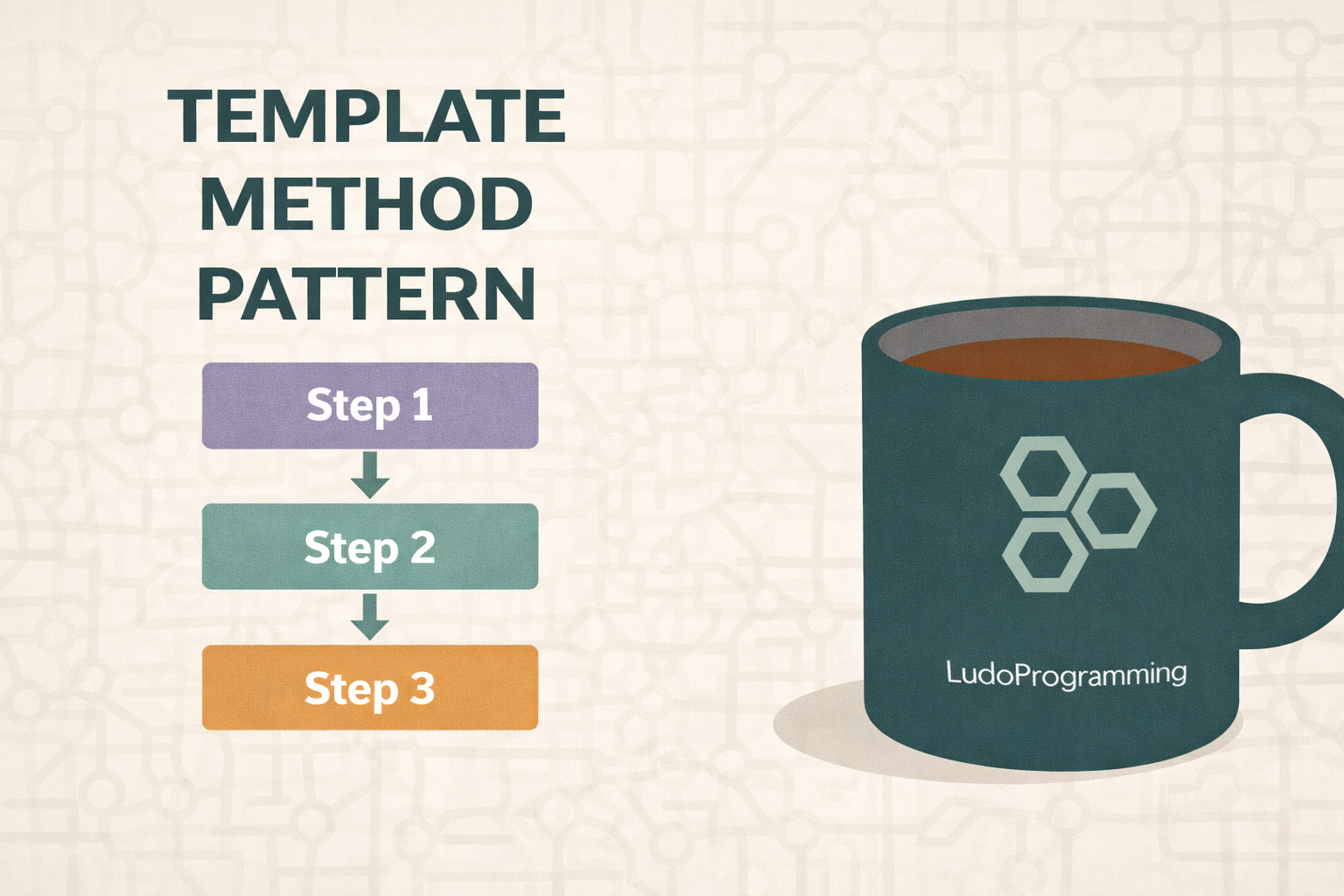
Template Method is a behavioral pattern that defines the skeleton of an algorithm in a base class, leaving certain steps of the algorithm to be implemented or customized by derived classes.
👉 Key idea: the structure of the algorithm remains fixed, but the steps can vary.
It is extremely useful when:
-
you have multiple variants of the same process,
-
you want to avoid code duplication,
-
you want to enforce a clear order of execution.
When do we use Template Method?
✔ Standardized processes (e.g., data import, report generation, workflows)
✔ Frameworks and libraries (ASP.NET, NUnit, etc.)
✔ When you want control over the flow, but flexibility in implementation
Pattern structure
-
Abstract Class
-
defines the TemplateMethod()
-
implements the common steps
-
declares abstract or virtual methods for the variable steps
-
-
Concrete Classes
-
implement the specific steps
-
Real example: processing a report
Let's assume we have several types of reports:
-
PDF report
-
Excel report
The flow is the same:
-
Data validation
-
Content generation
-
Save report
C# Implementation
Abstract class (Template)
public abstract class ReportGenerator
{
// Template Method
public void GenerateReport()
{
ValidateData();
GenerateContent();
SaveReport();
}
protected virtual void ValidateData()
{
Console.WriteLine("Validating report data...");
}
protected abstract void GenerateContent();
protected virtual void SaveReport()
{
Console.WriteLine("Saving report...");
}
}
👉 Note:
-
GenerateReport() is NOT virtual → the flow cannot be changed
-
only the steps are extensible
Concrete implementation – PDF
public class PdfReportGenerator : ReportGenerator
{
protected override void GenerateContent()
{
Console.WriteLine("Generating PDF content...");
}
protected override void SaveReport()
{
Console.WriteLine("Saving PDF report...");
}
}
Concrete implementation – Excel
public class ExcelReportGenerator : ReportGenerator
{
protected override void GenerateContent()
{
Console.WriteLine("Generating Excel content...");
}
}
Usage
class Program
{
static void Main()
{
ReportGenerator pdfReport = new PdfReportGenerator();
pdfReport.GenerateReport();
Console.WriteLine();
ReportGenerator excelReport = new ExcelReportGenerator();
excelReport.GenerateReport();
}
}
Output
Validating report data...
Generating PDF content...
Saving PDF report...
Validating report data...
Generating Excel content...
Saving report...
Hook methods (optional)
You can introduce hook methods — empty virtual methods that can be overridden but are not mandatory.
protected virtual bool ShouldSendNotification()
{
return false;
}
Advantages
✅ eliminates code duplication
✅ enforces a clear structure
✅ easy to extend
✅ ideal for frameworks
Disadvantages
⚠ rigid inheritance
⚠ too many overrides can complicate the design
⚠ changes in the base class can affect all implementations
Template Method vs Strategy
|
Template Method |
Strategy |
|---|---|
|
Inheritance |
Composition |
|
Fixed flow |
Fully interchangeable algorithm |
|
Central control |
Maximum flexibility |
👉 If you want fixed order, use Template Method
👉 If you want completely different algorithms, use Strategy
Conclusion
Template Method Pattern is ideal when:
-
you have a well-defined process,
-
you want controlled extensibility,
-
you build scalable and clean .NET applications.