
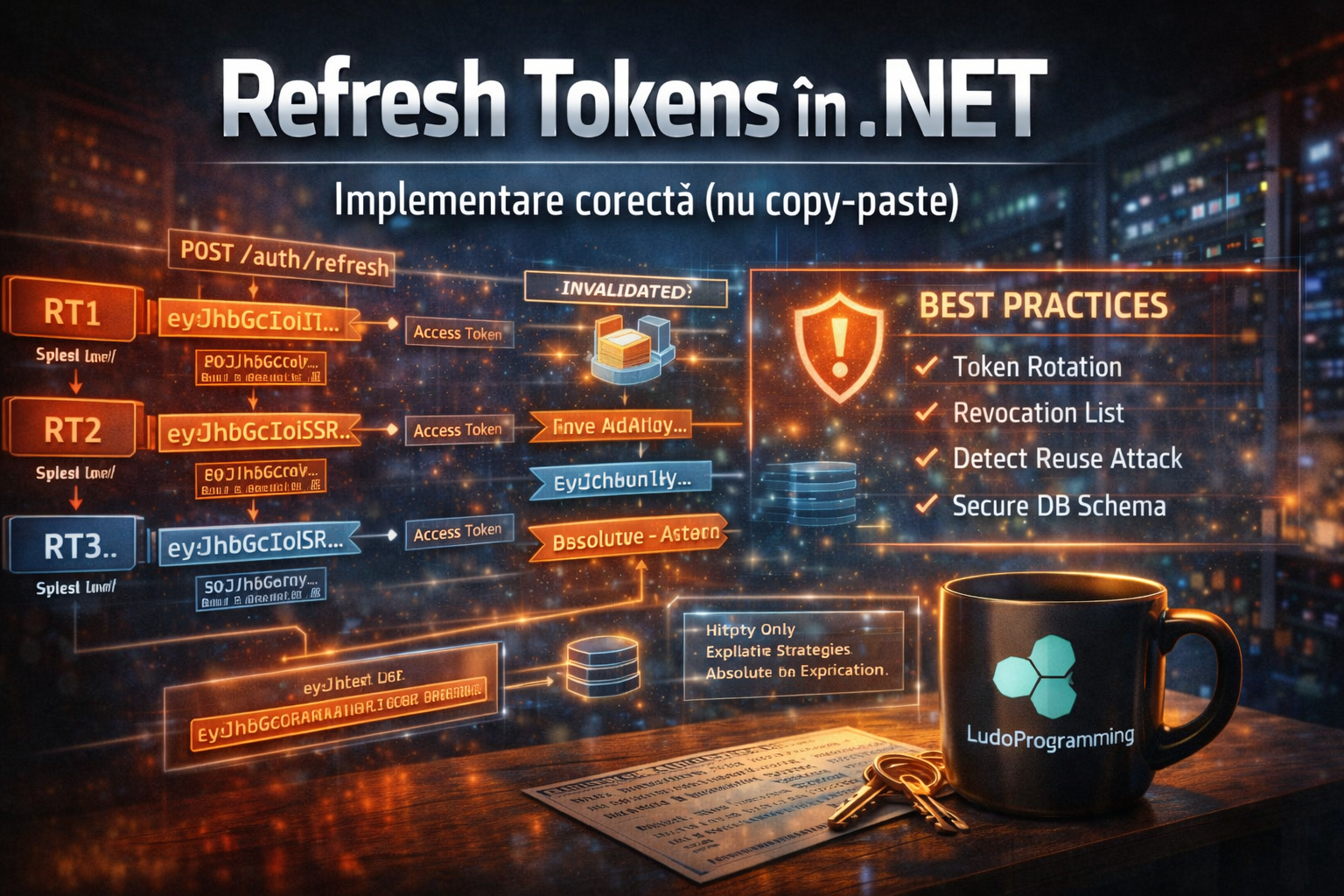
Correct Implementation (not copy-paste)
Series: Security by Design in .NET: From JWT to Certificate-based Authentication
In the previous article, I explained how JSON Web Tokens (JWT) work and how ASP.NET Core validates the signature.
The problem is that JWTs are stateless.
Once a token is issued:
-
the server cannot easily revoke it
-
the token remains valid until expiration
-
if it is stolen → the attacker can use it
That is why modern systems use Refresh Tokens.
🔐 What is a Refresh Token
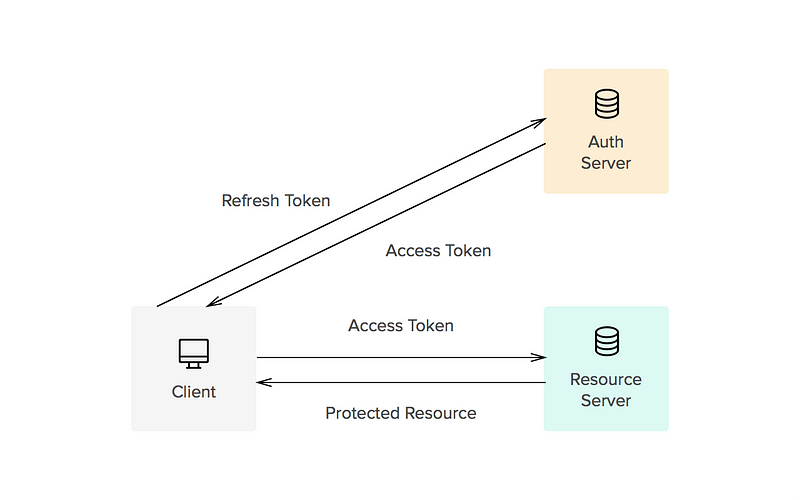
A Refresh Token is a long-term token used to obtain a new Access Token without the user having to log in again.
Typical flow:
1️⃣ User authenticates
2️⃣ Server issues:
-
Access Token (e.g., 10 minutes)
-
Refresh Token (e.g., 7 days)
3️⃣ When the Access Token expires:
The client sends:
<code>POST /auth/refresh</code>
with the Refresh Token.
The server verifies the token and issues a new Access Token.
🔁 Token Rotation (modern practice)
A refresh token must not be reused.
Each time it is used:
1️⃣ The server invalidates the old token
2️⃣ Creates a new refresh token
3️⃣ Returns new Access Token + Refresh Token
Flow:
RT1 -> used -> invalidated
↓
RT2 -> used -> invalidated
↓
RT3
Major benefit: If an attacker steals RT1, but the user is already using RT2 → the system detects the attack.
🧱 Correct database schema
A Refresh Token must be stored in the DB. Simplified example:
CREATE TABLE RefreshTokens
(
Id UNIQUEIDENTIFIER PRIMARY KEY,
UserId UNIQUEIDENTIFIER NOT NULL,
TokenHash NVARCHAR(200) NOT NULL,
CreatedAt DATETIME2 NOT NULL,
ExpiresAt DATETIME2 NOT NULL,
RevokedAt DATETIME2 NULL,
ReplacedByTokenId UNIQUEIDENTIFIER NULL,
CreatedByIp NVARCHAR(50)
);
Important:
✔ the token is hashed
✔ do not store the raw token
🔒 C# Model for Refresh Token
public class RefreshToken
{
public Guid Id { get; set; }
public Guid UserId { get; set; }
public string TokenHash { get; set; }
public DateTime CreatedAt { get; set; }
public DateTime ExpiresAt { get; set; }
public DateTime? RevokedAt { get; set; }
public Guid? ReplacedByTokenId { get; set; }
public string CreatedByIp { get; set; }
public bool IsActive =>
RevokedAt == null && DateTime.UtcNow < ExpiresAt;
}
🧠 Refresh Endpoint in ASP.NET Core
Simplified example:
[HttpPost("refresh")]
public async Task<IActionResult> Refresh(RefreshRequest request)
{
var token = await _repo.GetByTokenHash(request.RefreshToken);
if (token == null || !token.IsActive)
return Unauthorized();
var newAccessToken = _jwtService.GenerateAccessToken(token.UserId);
var newRefreshToken = _tokenService.CreateRefreshToken(token.UserId);
token.RevokedAt = DateTime.UtcNow;
token.ReplacedByTokenId = newRefreshToken.Id;
await _repo.SaveChanges();
return Ok(new
{
accessToken = newAccessToken,
refreshToken = newRefreshToken.Token
});
}
🚨 Detecting Reuse Attack
A reuse attack occurs when a refresh token already invalidated is used again.
Scenario:
1️⃣ User receives RT1
2️⃣ Attacker steals RT1
3️⃣ User uses RT1 → receives RT2
4️⃣ Attacker tries RT1
The server detects:
<code>RT1.RevokedAt != null</code>
Recommended action:
-
revoke all user's tokens
-
force re-authentication
⏳ Sliding vs Absolute Expiration
There are two strategies.
Sliding Expiration
The token is extended at each refresh.
Example:
Refresh token = 7 days
User refreshes daily
→ the token remains valid
Advantage:
✔ good user experience
Disadvantage: ⚠ very long sessions
Absolute Expiration
The token expires definitively after a fixed period. Example:
Max lifetime = 30 days
Even if you refresh: → after 30 days you must log in.
🛡️ Best Practices for Refresh Tokens
✔ Hash token in DB
✔ Mandatory token rotation
✔ Revocation list
✔ Detect reuse attack
✔ IP logging
✔ Device tracking
✔ Limited expiration
✔ Long random token (256 bits)
🔐 Where to store Refresh Token on the client?
Recommended:
HttpOnly Secure Cookie
Not in:
❌ LocalStorage
❌ SessionStorage
Reason: XSS can steal the token.
🧱 Modern Architecture
Client (SPA / Blazor)
Access Token -> memory
Refresh Token -> HttpOnly cookie
Server:
JWT stateless
Refresh Tokens stateful (DB)
This is the model used by most enterprise systems.
🎯 Conclusion
JWT alone is not enough. Refresh Tokens solve:
✔ short token expiration
✔ persistent sessions
✔ access revocation
✔ attack detection
But only if implemented correctly.

