
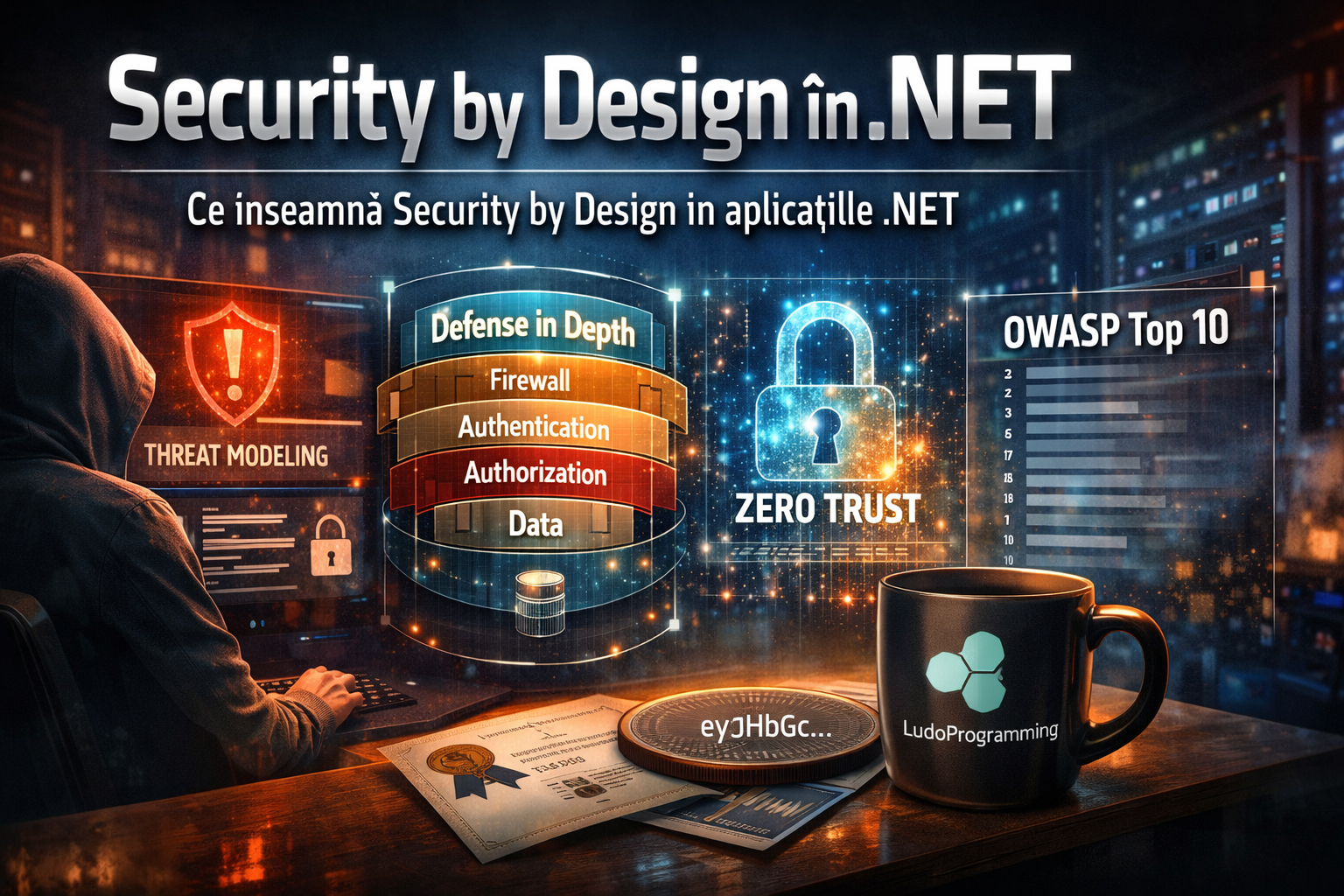
In 2026, security is no longer a "feature". It is an architectural property.
Most .NET applications are secured reactively:
-
we add [Authorize]
-
we put a JWT
-
we enable HTTPS
-
we hope it is enough
But that is NOT Security by Design.
Security by Design means:
🔒 Security is thought of from day one, at the architecture, infrastructure, and code level.
🧠 What is Security by Design?
Security by Design involves:
-
identifying risks before implementation
-
reducing the attack surface
-
multi-layered protections
-
assuming the system can be compromised
-
continuous monitoring and auditing
It is not middleware. It is an architectural mindset.
🧩 1. Threat Modeling
Threat modeling means:
Identifying the ways your application can be attacked.
Before writing code, ask yourself:
-
What data is sensitive?
-
Who has access to it?
-
Which endpoints are publicly exposed?
-
What happens if the JWT is stolen?
-
What happens if the database is compromised?
A classic model is STRIDE:
-
Spoofing
-
Tampering
-
Repudiation
-
Information Disclosure
-
Denial of Service
-
Elevation of Privilege
Real example in .NET API:
You have an endpoint:
[HttpPost("invoice")]
public async Task<IActionResult> CreateInvoice(CreateInvoiceCommand cmd)
Threat modeling questions:
-
Can a user create invoices for another CompanyId?
-
Can I modify the payload?
-
Can I send massive requests (DoS)?
-
Can I inject dangerous data?
Threat modeling = preventive thinking.
🎯 2. Attack Surface
Attack surface = all the points through which the system can be attacked.
In a modern .NET application:
-
API endpoints
-
Swagger UI publicly exposed
-
SignalR hubs
-
File uploads
-
Blazor WASM
-
Admin panel
-
Open ports in infrastructure
Reducing the attack surface means:
-
Disabling Swagger in production
-
Blocking unused endpoints
-
Disabling error details
-
Limiting CORS
-
Implementing rate limiting
The fewer exposed points you have, the lower the risk.
🛡️ 3. Defense in Depth
Defense in Depth = multi-layered protection.
You don’t rely on a single mechanism. Real example:
Level 1 — HTTPS
Level 2 — correctly validated JWT
Level 3 — Policy-based authorization
Level 4 — Model validation
Level 5 — CompanyId verification in DB
Level 6 — Audit log
If one layer fails, another protects you.
🧨 4. Zero Trust
Zero Trust means:
You trust nothing by default. Not even inside the network.
In .NET this means:
-
Every request is validated
-
Every claim is verified
-
Every service verifies the token
-
mTLS between services
-
There is no "we are in VPN so it’s safe"
Zero Trust is the enterprise standard in 2026.
⚠️ 5. OWASP Top 10
OWASP publishes annually the list of the most critical web vulnerabilities.
The most relevant for .NET applications:
-
Broken Access Control
-
Cryptographic Failures
-
Injection
-
Insecure Design
-
Security Misconfiguration
-
Vulnerable Components
-
Identification & Authentication Failures
-
Software Integrity Failures
-
Logging & Monitoring Failures
-
SSRF
Most enterprise applications fail at:
-
access control
-
misconfiguration
-
poor logging
🔍 Security by Design applied concretely in a .NET application
If you have:
-
ASP.NET Core Web API
-
Blazor WebAssembly
-
JWT
-
External integration (e.g., e-Invoice)
-
X509 Certificates
Security by Design would mean:
✅ JWT with asymmetric key
✅ Refresh token rotation
✅ Policy-based authorization
✅ Strict CompanyId validation
✅ Audit log for every critical action
✅ Rate limiting
✅ mTLS for external integration
✅ Correctly validated certificates (CRL / chain)
✅ Centralized logging
Not just "it works". But:
it is defensively built.
🔥 Common mistakes in .NET applications
-
JWT with hardcoded secret
-
No token expiration
-
Only role-based authorization
-
Lack of audit log
-
Returning full exceptions in production
-
No rate limiting
-
No model validation
-
Accepting any client certificate
🧱 Security by Design checklist for .NET
-
Forced HTTPS
-
HSTS enabled
-
Correct JWT validation
-
Secured refresh tokens
-
Policy-based authorization
-
Input validation
-
Anti-forgery where applicable
-
Rate limiting
-
Secured logging
-
Anomaly monitoring
-
Dependency scanning
-
Secrets in Azure Key Vault / env vars
🎯 Conclusion
Security by Design does NOT mean:
"We put a JWT and we are done."
It means:
We build the application as if someone is already trying to break it.

