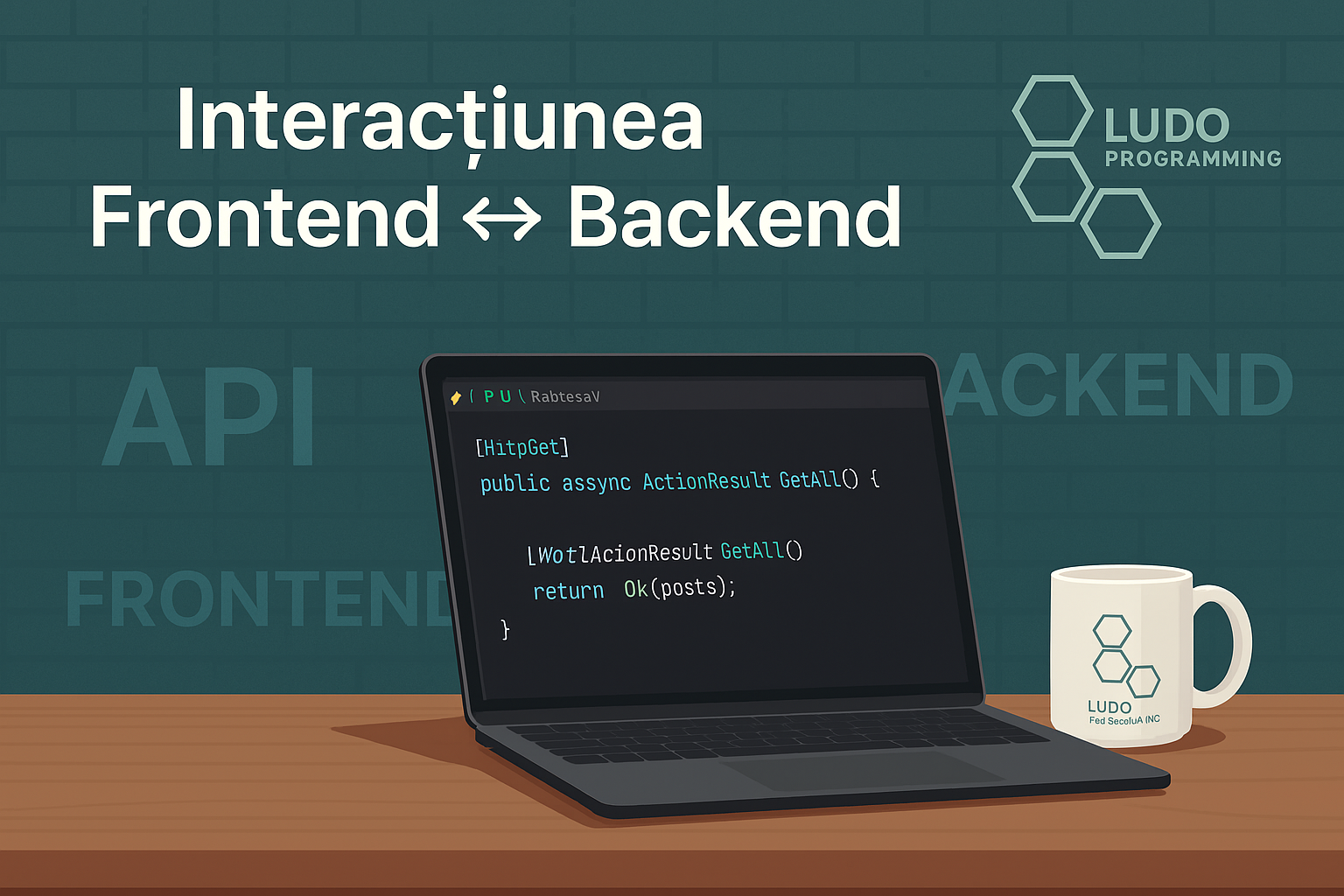
În acest articol, conectăm React cu API-ul nostru .NET Core pentru a afisa și adăuga articole într-un blog.
✅ 1. Crearea primului endpoint REST: GET /posts
În proiectul tău .NET, adaugă un nou controller pentru articole:
[ApiController]
[Route("api/[controller]")]
public class PostsController : ControllerBase
{
private readonly IPostRepository _postRepository;
public PostsController(IPostRepository postRepository)
{
_postRepository = postRepository;
}
[HttpGet]
public async Task<IActionResult> GetAll()
{
var posts = await _postRepository.GetAllAsync();
return Ok(posts);
}
}
✅ Testează endpointul în Swagger sau Postman la GET /api/posts.
🧑💻 2. Consumarea API-ului în React: afișare listă articole
În componenta React:
import { useEffect, useState } from 'react';
function PostList() {
const [posts, setPosts] = useState([]);
useEffect(() => {
fetch("https://localhost:5001/api/posts")
.then(res => res.json())
.then(data => setPosts(data));
}, []);
return (
<div>
<h2>Articole recente</h2>
<ul>
{posts.map(post => (
<li key={post.slug}>{post.title}</li>
))}
</ul>
</div>
);
}
📝 3. Formular de adăugare articol: POST /posts + validare
React: formular simplu
function AddPostForm() {
const [title, setTitle] = useState("");
const [content, setContent] = useState("");
const handleSubmit = async (e) => {
e.preventDefault();
await fetch("https://localhost:5001/api/posts", {
method: "POST",
headers: { "Content-Type": "application/json" },
body: JSON.stringify({ title, content })
});
};
return (
<form onSubmit={handleSubmit}>
<input value={title} onChange={e => setTitle(e.target.value)} placeholder="Titlu" />
<textarea value={content} onChange={e => setContent(e.target.value)} placeholder="Conținut" />
<button type="submit">Publică</button>
</form>
);
}
.NET: endpoint POST /posts
[HttpPost]
public async Task<IActionResult> Create([FromBody] CreatePostCommand command)
{
var id = await _mediator.Send(command);
return CreatedAtAction(nameof(GetAll), new { id }, null);
}
✅ Poți valida datele cu FluentValidation în backend și cu librării precum react-hook-form în frontend.