
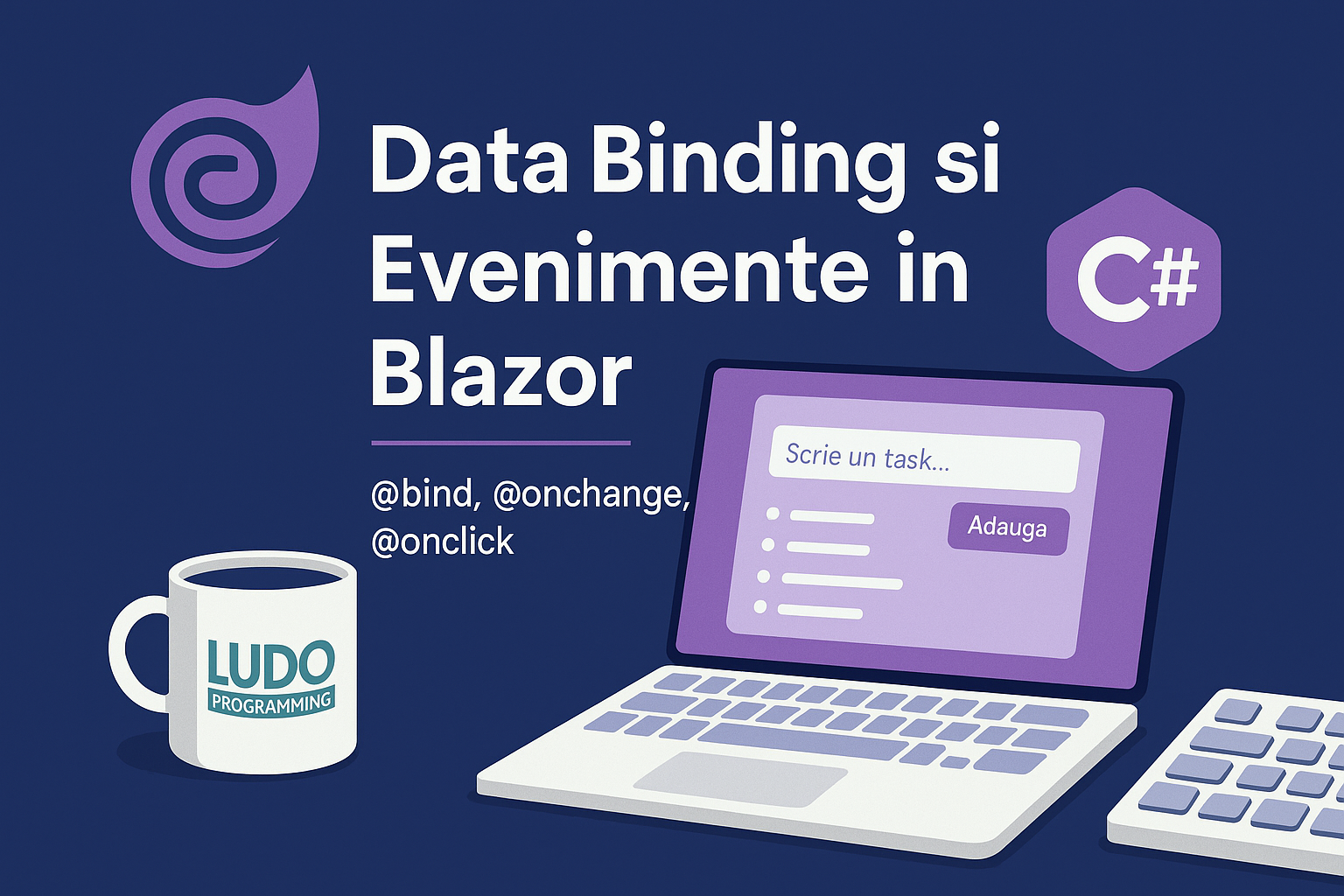
In this article, we explore two fundamental concepts in Blazor development: data binding and events. These allow dynamic interface updates based on user actions – without JavaScript!
🔄 What is data binding in Blazor?
Data binding connects values between UI elements and application logic. Blazor offers bidirectional support (@bind) and an elegant way to handle interactions through events like @onclick or @onchange.
✅ @bind
@bind allows a direct link between a variable and an HTML element.
<input @bind="name" placeholder="Enter your name" />
<p>Entered name: @name</p>
@code {
private string name = "";
}
🖱️ @onclick
Allows calling a method when a user clicks on an element.
<button @onclick="ShowGreeting">Greet</button>
@code {
void ShowGreeting()
{
Console.WriteLine("Hello!");
}
}
✏️ @onchange
Triggers when the value of an input changes (for example, a dropdown).
<select @onchange="OnSelected">
<option>Red</option>
<option>Green</option>
<option>Blue</option>
</select>
@code {
private void OnSelected(ChangeEventArgs e)
{
var color = e.Value?.ToString();
Console.WriteLine($"Selected color: {color}");
}
}
🧪 Practical example: mini-form + list with addition
<h3>Add a task</h3>
<input @bind="newTask" placeholder="Write a task..." />
<button @onclick="AddTask">Add</button>
<ul>
@foreach (var task in tasks)
{
<li>@task</li>
}
</ul>
@code {
private string newTask = "";
private List<string> tasks = new();
void AddTask()
{
if (!string.IsNullOrWhiteSpace(newTask))
{
tasks.Add(newTask);
newTask = "";
}
}
}
🔁 Each time the user adds a task, the list is updated in real time.
🏁 Conclusion
Blazor allows you to build interactive and modern UIs using only C#. With @bind and @onclick, you can create dynamic applications without JavaScript. In the next article, we will explore Componentization and data passing between components – essential for complex applications.

