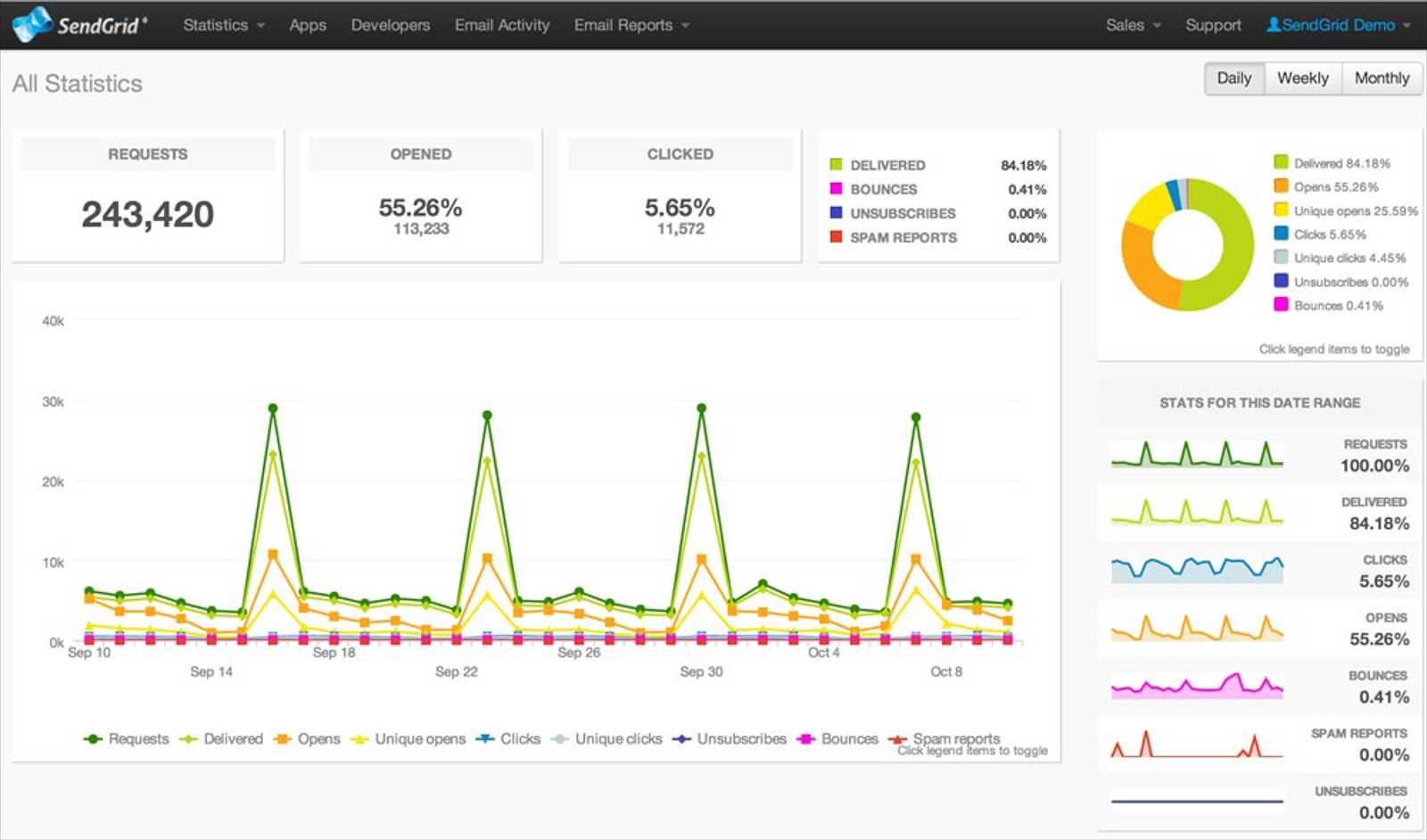
Lately, while working on the various updates needed for our website or the applications we have in our portfolio (or in progress), we encountered the need to send emails.
We discovered that there are several ways to do this:
1. SMTP (direct mail)
2. SQL DB Mail (here we need a SQL Server instance)
3. Using an SDK of an email sending service (since we are Microsoft partners, we use the SendGrid API).
We will now describe in detail how to send emails using each method.
SMTP
This method is the most common and easiest to use. You only need access to an email address and nothing more. The code is very simple:
protected void SendEmail()
{
SmtpClient smtpClient = new SmtpClient();
smtpClient.Host = "mail.ludoprogramming.com";
smtpClient.Credentials = new System.Net.NetworkCredential("UserName", "Password");
smtpClient.Port = 25;//Usually it is port 25 for custom domain
MailAddress addr = new MailAddress("destination@mail.com");
MailMessage mail = new MailMessage();
mail.IsBodyHtml = true;
mail.From = new MailAddress("no-reply@ludoprogramming.com", "Test email");
mail.To.Add(addr);
mail.Subject = "Email test subject";
mail.Body = "This is the mail body! You can add here an HTML interface.";
mail.DeliveryNotificationOptions = DeliveryNotificationOptions.OnFailure | DeliveryNotificationOptions.OnSuccess | DeliveryNotificationOptions.Delay;
mail.Headers.Add("Disposition-Notification-To", "marketing@ludoprogramming.com");
AlternateView alternate = AlternateView.CreateAlternateViewFromString("This is the mail body! You can add here an HTML interface.",
new System.Net.Mime.ContentType("text/html")); //the AlternateView is mainly for YAHOO
mail.AlternateViews.Add(alternate);
smtpClient.DeliveryMethod = SmtpDeliveryMethod.Network;
smtpClient.Send(mail);
}
SQL DB Mail
This method is somewhat more complex. First, SQL DB Mail must be enabled on our SQL Server. Then the profile must be set (you can find here more details on how to create the profile).
From the code perspective, you only need to send the correct data to a specific stored procedure: sp_send_dbmail (it's even simpler than SMTP).
protected void SendEmail()
{
SqlConnection SqlConn = new SqlConnection("data base connection string");
SqlCommand sqlCmd = new SqlCommand("sp_send_dbmail", SqlConn);
sqlCmd.CommandType = CommandType.StoredProcedure;
List<SqlParameter> List = new List<SqlParameter>();
List.Add(new SqlParameter { ParameterName = "@profile_name", Value = "SqlDbMailProfile", SqlDbType = SqlDbType.VarChar });
List.Add(new SqlParameter { ParameterName = "@recipients", Value = "destination@mail.com", SqlDbType = SqlDbType.VarChar });
List.Add(new SqlParameter { ParameterName = "@from_address", Value = "no-reply@ludoprogramming.com", SqlDbType = SqlDbType.VarChar });
List.Add(new SqlParameter { ParameterName = "@subject", Value = "Email test subject", SqlDbType = SqlDbType.VarChar });
List.Add(new SqlParameter { ParameterName = "@body_format", Value = "HTML", SqlDbType = SqlDbType.VarChar });
List.Add(new SqlParameter { ParameterName = "@body", Value = "This is the mail body! You can add here an HTML interface.", SqlDbType = SqlDbType.VarChar });
SqlConn.Open();
sqlCmd.ExecuteNonQuery();
SqlConn.Close();
}
The two methods above are recommended for sending emails one by one. Mass mailing is not recommended (in any case, the limits imposed by mail servers must be checked before making the settings).
SendGrid API
Using the SendGrid API, mass mailing is possible. However, the basic condition is the following: the email addresses to which the mailing is done must be correct, and the user must have agreed to receive those emails. Otherwise, there is a possibility that the profile's reputation will decrease, leading to suspension or even cancellation of the account.
That being said, here is the code:
protected void SendEmail()
{
SendGridMessage message = new SendGridMessage();
string username = "SendGrid UserName";
string pswd = "Password";
message.AddTo("destination@mail.com");
message.From = new MailAddress("no-reply@ludoprogramming.com", "");
message.Subject = "Email test subject";
message.Html = "This is the mail body! You can add here an HTML interface.";
message.EnableClickTracking(true);
message.EnableOpenTracking();
NetworkCredential credentials = new NetworkCredential(username, pswd);
Web transportWeb = new Web(credentials);
transportWeb.DeliverAsync(message);
}