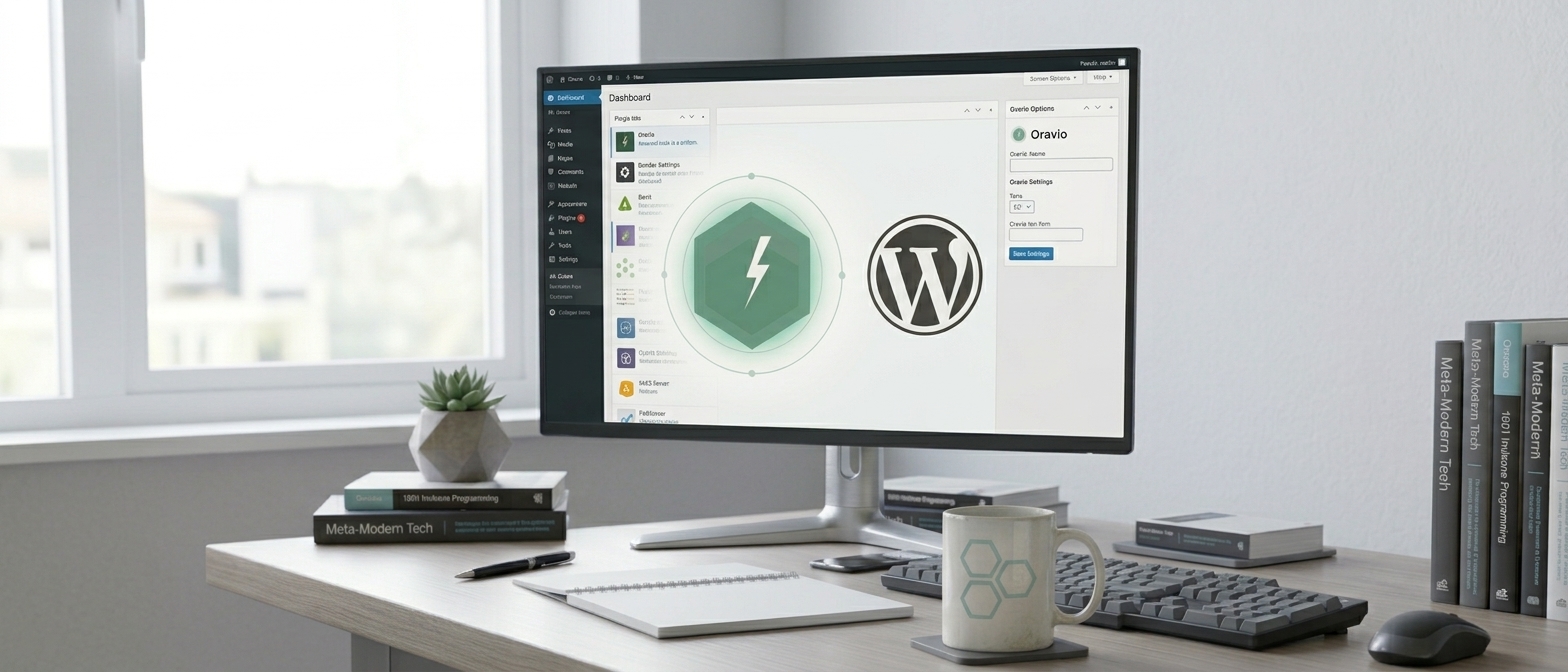
I have great news for any entrepreneur with an online site: Oravio is now in the official WordPress.org plugin directory.
You can find it by searching "Oravio" directly in WordPress, install it with one click, and start it in less than a minute — no coding and no hassle.
Let's see what Oravio is and, most importantly, everything it can do for your business.
🤖 What is Oravio?
Oravio is an AI chat assistant that you add to your site and that automatically answers visitors, 24/7, based on the content of your own site. It does not make things up or give generic answers — it knows your products, services, and information and responds like a human, but without the cost of an employee.
"Every visitor comes with a question. If they find the answer quickly, they stay. If not, they leave — usually to the competition."
🔌 New: installation from WordPress in 30 seconds
The Oravio — AI Widget plugin is now in the official WordPress marketplace. All you have to do:
-
In the WordPress dashboard, go to Plugins → Add New
-
Search for Oravio
-
Click Install, then Activate
-
Create your free account and license directly from WP Admin
The widget appears on the site and indexes your pages automatically. Compatible with any WordPress theme.
⚠️ The plugin is just the beginning — the full power is in the Dashboard
The WordPress plugin puts the widget on your site in seconds, but not all features are available directly from the plugin. To unlock and configure everything Oravio can do — voice, design, bookings, white label, analytics, FAQ, leads — you create a free account and enter the Oravio control panel:
👉 ludoprogramming.com/ace/dashboard
In short: plugin = quick installation, and Dashboard = full control over your assistant.
🧠 The intelligence behind
-
Answers from your content — Oravio reads your site and answers exactly based on it.
-
Semantic cache — frequently asked questions get instant answers at almost zero cost.
-
Automatic multilingual — speaks the visitor’s language, with no setup needed.
-
Does not make things up — if it doesn’t know, it says so honestly instead of improvising.
🎙️ Oravio Audio — talk to the assistant
Visitors don’t just write — they can talk to Oravio, with voice, like on the phone. Includes native Romanian voice, natural and with correct diacritics. Perfect for those who prefer to ask aloud or for accessibility.
🎨 Oravio Design — visual answers
For fields where a picture says it all — real estate, interior design, retail — Oravio can generate visual renderings based on the visitor’s request, using your site’s style as a reference.
🛒 Oravio for WooCommerce — order status in chat
Do you have an online store? Customers can check their order status directly in conversation (using order number and email). Everything is secure: identity is validated locally, in your WordPress — Oravio never receives your WooCommerce keys.
📅 Oravio Booking — bookings from conversation
Services with appointments — clinics, salons, offices, consulting? Visitors can make a booking directly in chat, and confirmation comes by email with an attached calendar file (.ics), ready to add to their agenda.
📈 Everything you need to grow
-
Lead capture — Oravio asks interested visitors for their email.
-
Dashboard with analytics — see real questions, number of requests, cache rate, and frequent topics.
-
Complete white label — title, color, logo, position, style. The widget carries your brand.
-
Suggested questions and proactive triggers — guide the conversation where you want.
-
Integrated contact form.
-
BYOK — you can use your own API key.
🔒 Secure and reliable
Oravio runs on Azure, in the North Europe datacenter. Data is not shared between clients, and your site’s content is used exclusively to generate your answers.
💸 How much does it cost?
The Basic plan is free forever — no credit card. You activate it, test it, and upgrade only if and when you need more.
Conclusion
You sleep, Oravio answers. You’re in a meeting, it takes over the questions. An employee who doesn’t get tired, doesn’t forget, and doesn’t leave any visitor unanswered — from 0 lei per month.
Install the plugin from WordPress for a quick start, then go to ludoprogramming.com/ace/dashboard to unlock everything Oravio can do.