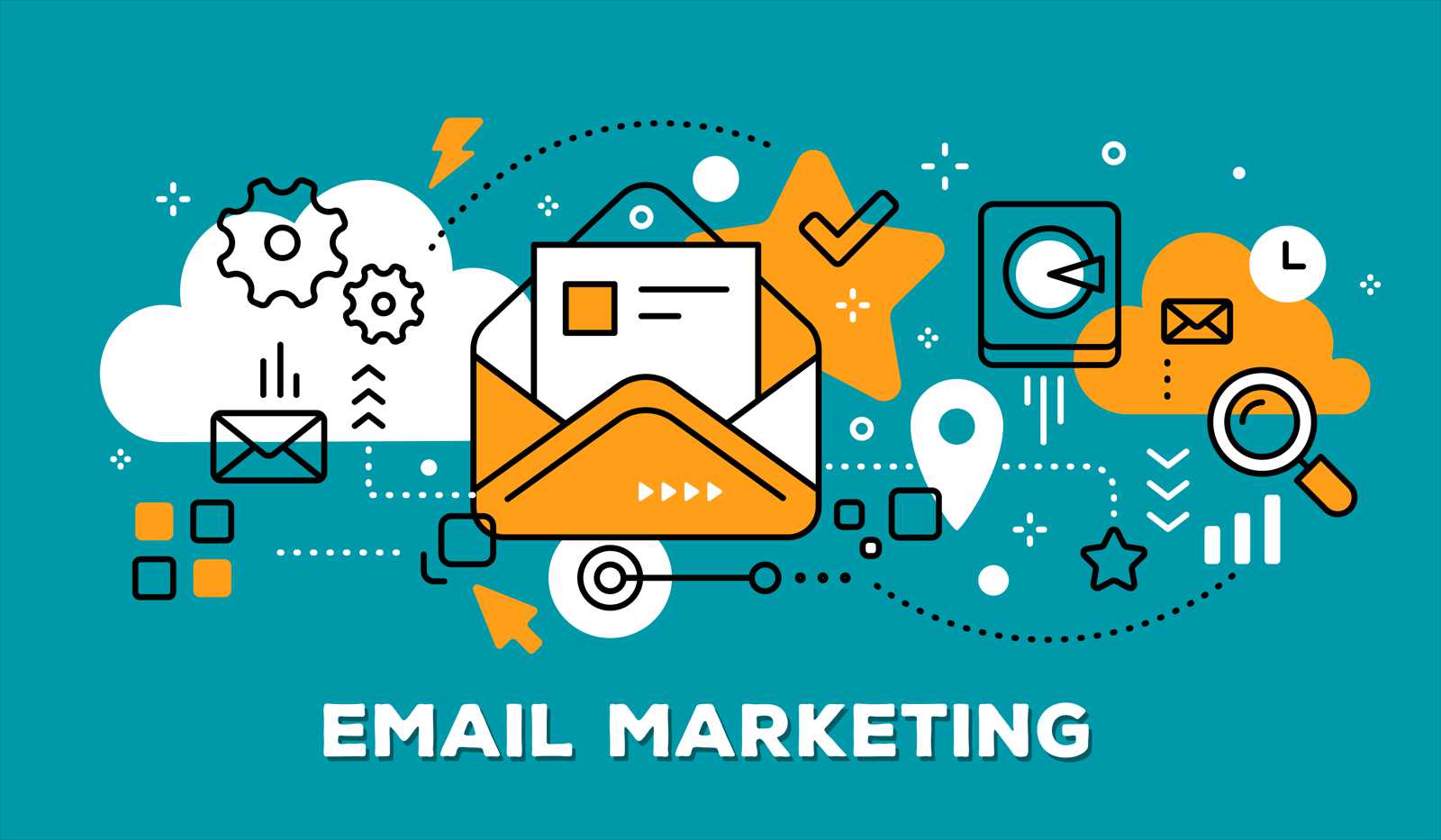
We all want the emails we send as part of our marketing activities to reach the recipient and fulfill their purpose. In reality, however, this does not always happen. Our email either goes into the spam folder or reaches the inbox but is not read because its subject does not seem interesting to the recipient.
Today we will address the first issue, namely the reason why emails do not reach the inbox but end up in spam.
The causes can be multiple, generated both by the content of the email and the sending method. Even though it seems simple to send emails from a Yahoo or Gmail address, 30 at a time, marketing is not done that way. More is needed than that. Beyond the lack of professionalism and efficiency, an email sent this way has much lower chances of entering the recipient's inbox.
Some useful and easy-to-follow tips to increase the deliverability rate of emails to the inbox:
1. Do not send mass emails from a Yahoo, Gmail, or any other free email service address.
2. Avoid using an address like office@domain.ro/com.... These addresses are immediately suspected by spam filters and are not delivered properly (especially to gmail.com addresses).
3. Avoid using words that are generally used in unsolicited emails, words and phrases that represent and convey messages and calls to action: Open, Opportunity, Discount, guaranteed, Prize, Congratulations!, Catch the offer, Free, 50% discount, Discounts, You won, Free, Massive discounts, You have been selected, Apply now, Cheap, Satisfaction guaranteed, Apply Online, Lose weight, Money, Work from home, Stop, Money back, Increase your income, Best price, Call now, Bonus, MLM, Call free, Cash, Viagra, Fantastic offer, Winner, Click here.
4. Choose carefully the images you want to include in the email. These are often considered a strong alarm signal that the email is spam. Therefore, try to use as few pictures as possible and, if the situation explicitly requires it, choose a very small image to avoid loading issues in the recipient's browser.
5. Use only your own subscriber lists and do not buy recipient lists from various companies offering so-called SEO services on the internet. These lists are obtained illegally by accessing private databases. Sending emails to addresses obtained this way will not bring more customers to your business but, on the contrary, will represent a major black mark. How you can create your own database is described in more detail here.
6. It is mandatory to include an unsubscribe option in every email.
7. Encourage recipients to add the email address from which they receive the newsletter to their contact list (address book). This way, your email will definitely enter the inbox, and people will know who it is from.
8. Set a frequency for sending emails. If you send too often, people will get bored or, worse, get annoyed and either unsubscribe (the happy case) or report the email as spam, which is the last thing you want. If you send too rarely, people will forget what it is about or that they subscribed to that newsletter at some point, leading back to the situation above. Therefore, set an acceptable frequency that also matches the company's profile and the purpose of sending emails, and inform the recipients.
9. Use companies that can help you create the best email structure, both as a template and as text, content in images, and information.
From a technical point of view, there are many more and more "technical" tips. However, these are not the subject of today's article. Specialists are the ones who should handle the backend of sending emails, with the content being the responsibility of marketing and communication teams.
The anatomy of a coordinated attack on a contact form
12 Oct 2026