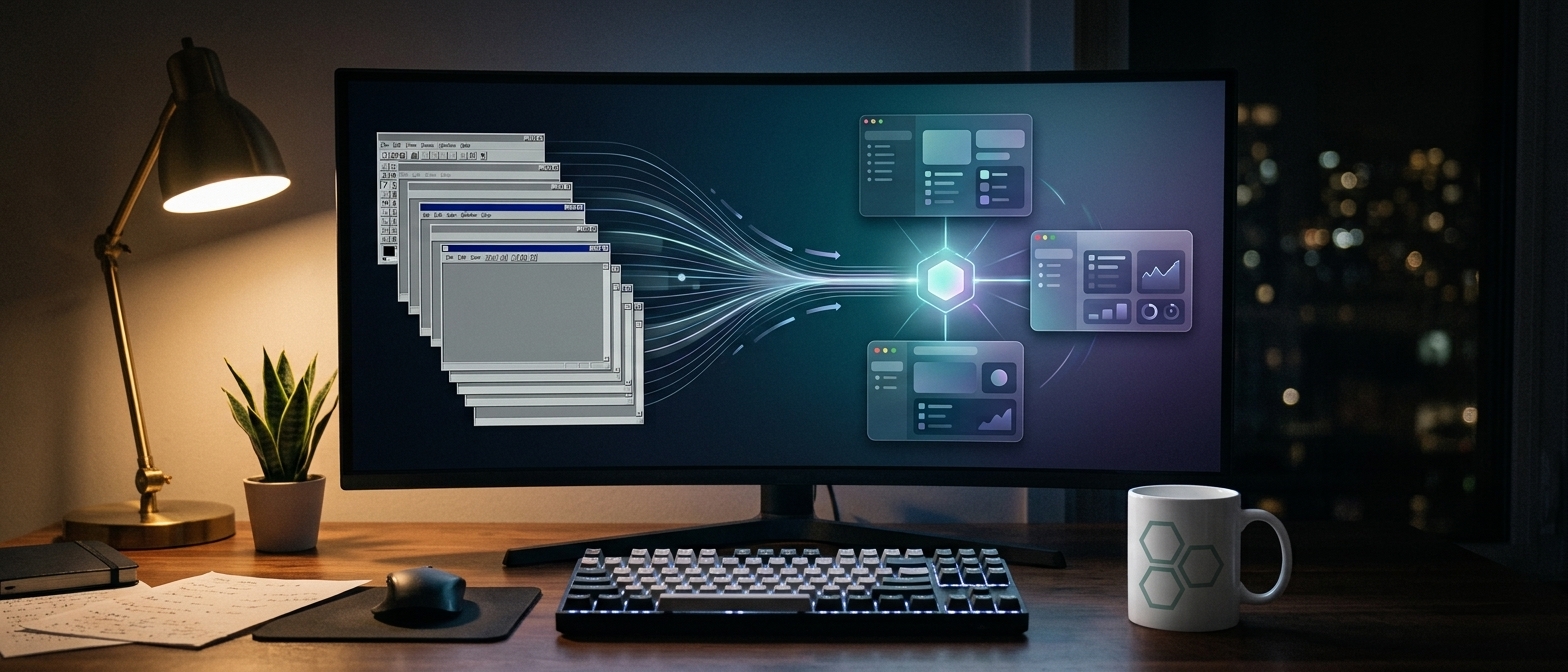
The web application works well. It is a SaaS built in Blazor, clients use it daily from the browser, and no one thought about desktop. Then a big client sends a request: “We need an installable application. Operators work with a USB-connected scale and a label printer, and sometimes the warehouse internet goes down.”
The team looks at the code. We already have dozens of screens, validations, and components. No one wants to rewrite them in WPF. Nor is it necessary. Some of the most used desktop applications in the world, from VS Code to Slack, are actually web pages packaged in a native window.
This is the third article in the series about choosing UI technology. After web and native desktop in .NET, now we talk about the area between them: desktop applications built with web technologies. Electron, Tauri, WebView2, and Blazor Hybrid.
The first question: why desktop?
Before the framework, it’s worth clarifying what “we need desktop” actually means. Usually, it is one of these needs:
- Access to local hardware — scales, label printers, card readers, serial ports. The browser covers some through Web Serial or WebUSB, but support is limited to Chromium browsers and requires explicit permissions.
- Access to files and system — monitored folders, large files, integration with other local applications.
- Real offline work, not just a nice error page.
- Integration with the operating system — system tray icon, auto-start, native notifications, global shortcuts.
- Controlled distribution — in many companies, applications are installed centrally, with a signed installer.
If the real need is just “an icon in the taskbar and a window without the browser bar,” a PWA solves the problem without any new framework. Edge and Chrome allow installing a web application on the desktop, with its own window, icon, and even offline operation through service workers. We detail PWAs in the article about mobile, but it’s worth checking as a first option here as well.
The common model: native shell, WebView, and a bridge
All solutions in this article have the same three-layer architecture:
- A native shell — the process that creates the window, has system access, and manages the application lifecycle.
- A WebView — a browser engine that displays the interface, written in HTML, CSS, and JavaScript or Razor.
- A bridge — the channel through which the interface asks the shell for things the browser cannot do alone: save a file, read the scale, print a label.
The major difference between frameworks is where the WebView comes from. Some bring their own browser, like Electron with Chromium. Others use the WebView already installed in the operating system: WebView2 on Windows, WebKit on macOS, and WebKitGTK on Linux. The first option means identical rendering everywhere but large applications. The second means small applications but with subtle rendering differences between platforms. Almost all other compromises stem from this.
Electron: a full browser in every application
Electron packages Chromium and Node.js into a single application. The interface runs in Chromium, and the main process runs in Node.js, with full system access. It is the de facto standard: VS Code, Slack, Discord, and the desktop Figma app are built on Electron.
The advantages come from maturity. Rendering is identical on Windows, macOS, and Linux because it’s always the same Chromium. Build tools, digital signing, and automatic updates are tested on millions of installations. And a team that knows JavaScript can write the entire application without learning another language.
The cost is known and, for some projects, too high. An Electron installer usually ranges between 50 and 150 MB, and an idle application typically consumes over 100 MB of RAM. Each installed Electron application brings another full Chromium. And security updates for Chromium reach your app only if you update Electron. An app stuck on an old version remains vulnerable to the issues of that version.
Security requires discipline. The interface must not have direct access to Node.js. Communication is done through a preload script, which exposes only strictly necessary functions:
// preload.js - the only place where the UI touches the system
const { contextBridge, ipcRenderer } = require('electron');

contextBridge.exposeInMainWorld('desktop', {
  saveReport: (content) => ipcRenderer.invoke('report:save', content)
});
// main.js - main process, with system access
const { app, BrowserWindow, ipcMain, dialog } = require('electron');
const fs = require('node:fs/promises');
const path = require('node:path');
app.whenReady().then(() => {
const win = new BrowserWindow({
webPreferences: {
preload: path.join(__dirname, 'preload.js'),
contextIsolation: true,
nodeIntegration: false,
sandbox: true
}
});
ipcMain.handle('report:save', async (_event, content) => {
const { filePath } = await dialog.showSaveDialog(win, { defaultPath: 'report.csv' });
if (filePath) await fs.writeFile(filePath, content);
return Boolean(filePath);
});
win.loadFile('index.html');
});In the interface, the call is simple: await window.desktop.saveReport(csv). The interface knows nothing about the file system, and the main process decides what is allowed.
Tauri: applications of a few MB, with a Rust backend
Tauri starts from the main criticism of Electron: why deliver a whole browser when the operating system already has one? Tauri uses the native WebView of each platform, and the backend is written in Rust. The result: installers of a few MB instead of hundreds, and noticeably lower memory consumption.
Version 2, stable since October 2024, brought two important changes. First: support for iOS and Android, so the same application can also reach mobile. Second: a security model based on capabilities. By default, the interface has no access to anything in the system, and each permission must be explicitly declared. The plugin ecosystem has grown steadily and today covers most common needs: files, notifications, automatic updates, dialogs, shell.
// src-tauri/src/main.rs
#[tauri::command]
fn calculate_total(values: Vec
// in the interface (React, Vue, Svelte, or plain JavaScript)
import { invoke } from '@tauri-apps/api/core';
const total = await invoke('calculate_total', { values: [120.5, 80, 45.25] });The limits are real. The first is Rust: for anything beyond the interface, the team must work comfortably in a language with a serious learning curve. The second is the native WebView: on macOS you basically run in Safari, and on Linux in WebKitGTK, with their own differences from Chromium. What looks perfect on Windows must be tested separately on other platforms.
In the same family, Wails is worth mentioning, which does the same as Tauri but with a Go backend. It’s a good choice for teams already working in Go.
WebView2: web in your existing .NET application
For a .NET team, the easiest step toward “web on desktop” is often the WebView2 control, the Chromium engine from Microsoft Edge, available as a control in WPF, WinForms, and WinUI. The runtime is preinstalled on Windows 11 and updates automatically, independently of your application. This solves Electron’s security problem, although it introduces a dependency on a system component.
WebView2 is suitable when you want to integrate an existing web application into a desktop shell. The web application can be loaded from a server or local files, and communication with C# code is done via messages. Attention must be paid to security: if you load content from the internet, do not expose .NET objects with system access to that content. Validate the origin of each received message.
Blazor Hybrid: Razor components with the full power of .NET
For the scenario in the introduction, with a Blazor application and a desktop request, Blazor Hybrid is usually the most natural answer. Razor components run natively, in the .NET process, and are rendered in a WebView through a local channel. It’s not Blazor WebAssembly and not Blazor Server. There is no WebAssembly and no server connection. The component is regular .NET code, with full access to files, serial ports, printers, and any NuGet library.
Blazor Hybrid can be hosted in three places: in .NET MAUI, for Windows and macOS (and mobile), or through the BlazorWebView control in WPF and WinForms. The latter variant is very useful for gradual modernization discussed in the previous article: you can add new screens, written in Blazor, to an existing WPF application.
<!-- MainWindow.xaml - the project uses Sdk="Microsoft.NET.Sdk.Razor" -->
<Window x:Class="Warehouse.MainWindow"
        xmlns="http://schemas.microsoft.com/winfx/2006/xaml/presentation"
        xmlns:x="http://schemas.microsoft.com/winfx/2006/xaml"
        xmlns:blazor="clr-namespace:Microsoft.AspNetCore.Components.WebView.Wpf;assembly=Microsoft.AspNetCore.Components.WebView.Wpf"
        xmlns:ui="clr-namespace:Warehouse.Ui;assembly=Warehouse.Ui">
    <blazor:BlazorWebView HostPage="wwwroot\index.html" Services="{DynamicResource services}">
        <blazor:BlazorWebView.RootComponents>
            <blazor:RootComponent Selector="#app" ComponentType="{x:Type ui:Reception}" />
        </blazor:BlazorWebView.RootComponents>
    </blazor:BlazorWebView>
</Window>
// MainWindow.xaml.cs
public MainWindow()
{
var services = new ServiceCollection();
services.AddWpfBlazorWebView();
services.AddSingleton<IScaleService, SerialScaleService>();
services.AddSingleton<IExportService, ExportDesktopService>();
Resources.Add("services", services.BuildServiceProvider());
InitializeComponent();
}The same components on web and desktop
The real value appears when you put the components in a common Razor Class Library, used both by the web application and the desktop one. Everything that depends on the platform goes through an interface, with an implementation for each host:
// In the common library Warehouse.Ui
public interface IScaleService
{
    bool IsAvailable { get; }
    Task<decimal> ReadWeightAsync();
}
@* Reception.razor - the same component in browser and on desktop *@
@inject IScaleService Scale
@if (Scale.IsAvailable)
{
<button @onclick="ReadAsync">Read Weight</button>
}
else
{
<input type="number" @bind="weight" placeholder="Enter weight manually" />
}
<p>Weight: @weight kg</p>
@code {
private decimal weight;
private async Task ReadAsync() => weight = await Scale.ReadWeightAsync();
}On desktop, SerialScaleService reads the serial port directly with System.IO.Ports. On the web, a simple implementation reports IsAvailable = false, and the operator enters the weight manually. The component is the same, and the differences are platform-related, not interface-related. It is the same principle as in the desktop article: logic and interface must not know on which platform they run.
The limits of Blazor Hybrid depend on the host. Through WPF and WinForms, you run only on Windows. Through MAUI, you reach Windows and macOS, but not Linux. For Linux, there are community projects like Photino, which offers a lightweight shell for Blazor. And Electron.NET allows running an ASP.NET Core application in Electron if you need identical rendering on all platforms.
Distribution and updates: the forgotten part
A web application updates with every deploy. A desktop application must be installed, signed, and updated on each computer. Plan this part from the start because an old version left on 200 computers is a support and security problem.
- Electron has the most mature tools: electron-builder for installers and integrated automatic updates.
- Tauri offers an official update plugin and generates native installers for each platform.
- .NET applications (WPF, WinForms, Blazor Hybrid) can use MSIX, ClickOnce, or Velopack, a modern open-source solution for installers and automatic updates.
- Digital signing is practically mandatory. Without it, Windows SmartScreen and macOS Gatekeeper warn or block installation, and users lose trust in the first minute.
Decision table
| Situation | First choice | Serious alternative |
|---|---|---|
| Web application that only needs to be installable | PWA | WebView2 / Tauri |
| Existing Blazor application + desktop on Windows | Blazor Hybrid (WPF/WinForms) | Blazor Hybrid in MAUI |
| Blazor application + Windows and macOS | Blazor Hybrid in MAUI | Electron.NET |
| New screens in an existing WPF application | BlazorWebView in WPF | WebView2 with web application |
| JavaScript team, identical rendering everywhere | Electron | Tauri |
| Small, lightweight, cross-platform application | Tauri | Wails (for Go teams) |
| Desktop + mobile from the same web base | Tauri 2 | Blazor Hybrid in MAUI |
| Intensive hardware access, Windows only | Blazor Hybrid or native WPF | WebView2 |
The most common mistakes I see
- Desktop without reason. If you don’t need hardware, files, offline, or system integration, a PWA or just the web application is cheaper to maintain.
- Internet content with system access. A WebView that loads external pages and has an open bridge to the file system is a ready-made vulnerability.
- Electron left behind. Every Electron version not released in production means known Chromium vulnerabilities delivered to your users.
- Tested only on Windows. With Tauri or any native WebView, WebKit on macOS and Linux behaves differently. Testing on all target platforms is not optional.
- Components that depend directly on the platform. A
File.WriteAllBytesin the middle of a shared Razor component breaks the web variant. Any system access goes through an interface. - Updates postponed for “later.” Without an update mechanism from the first version, you will have dozens of different versions in production.
Summary
- All solutions have the same model: native shell, WebView, and a bridge. The key difference is whether the WebView is delivered with the application or comes from the operating system.
- Electron offers identical rendering and mature tools, at the cost of large applications and constant security updates.
- Tauri produces applications of a few MB, with a strict security model and mobile support, but requires Rust and testing on each WebView.
- WebView2 is the easiest way to bring a web application into a .NET shell on Windows.
- Blazor Hybrid runs Razor components natively, with full .NET access. With a common Razor Class Library, the same components work on web and desktop.
- Distribution and updates must be planned from day one.
In the next article in the series, we move to small screens: mobile applications. Native with Swift and Kotlin, cross-platform with Flutter, React Native, and .NET MAUI, or PWA. We also talk about things usually missing from comparisons: publishing in stores, push notifications, and what to do with apps left on Xamarin.