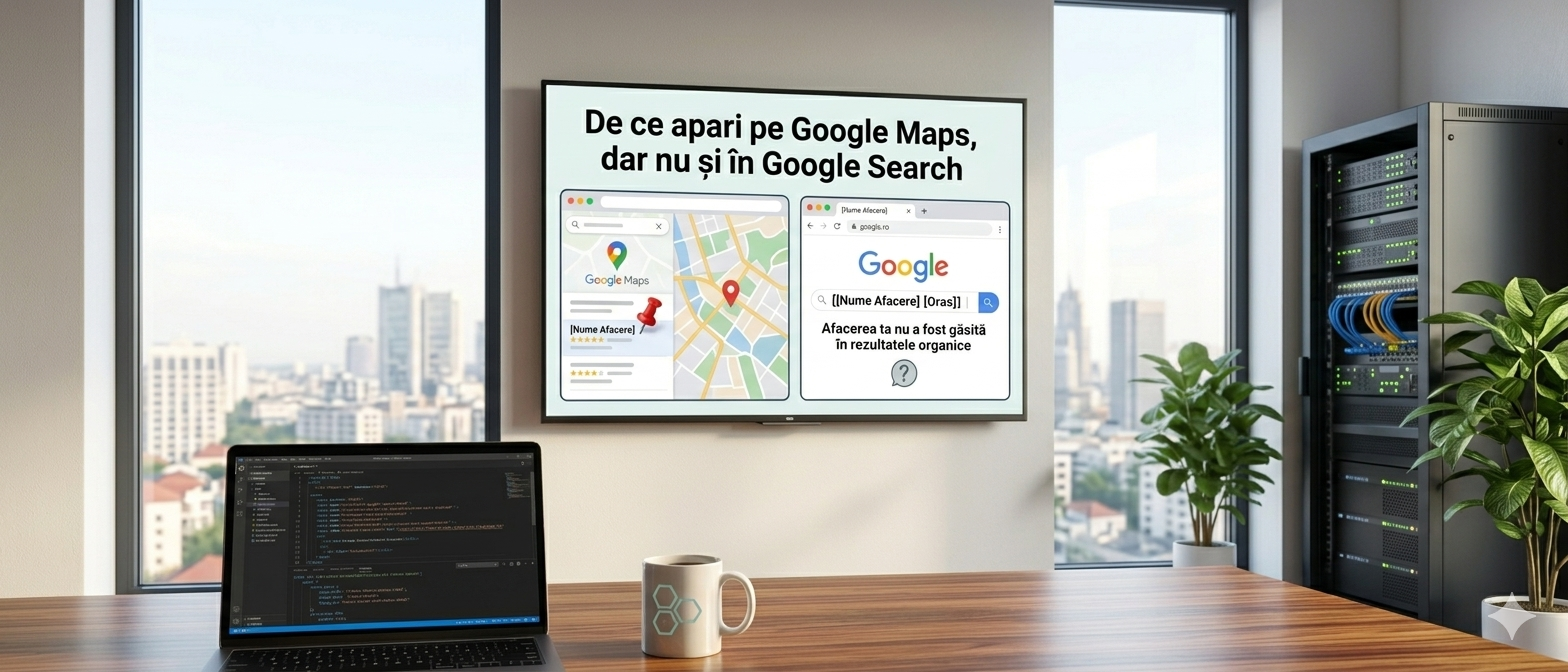
If you have a Google Business Profile set up, there is a good chance you will appear when someone searches for your company on Google Maps or in maps. But if the same person searches for "car service Cluj" or "hairdresser Timișoara" in the regular Google search bar, they might not find you anywhere.
Many entrepreneurs think it's an error or that Google has something against them. It's neither. It's a fundamental difference between two separate systems that operate according to different rules.
Google Maps and Google Search — two different systems
Google Maps and Google Search are distinct products, with different algorithms and different ranking criteria.
Google Maps (and the local map results in Search) operate based on the Google Business Profile — your business listing with address, hours, reviews, and photos. If you have filled it out correctly, you exist on the map. That's it.
Google Search (the usual organic results, without a map) operates based on your website — content, structure, loading speed, links from other sites. If your website is weak or doesn't exist, you won't appear, no matter how well your Maps listing is completed.
In short: Maps finds you by location, Search finds you by content.
When you appear on Maps but not in Search
This scenario is very common and usually has one of these causes:
You don't have a website. Without a site, Google Search has nothing to index. You can exist on Maps with just a Business Profile listing, but you won't appear in organic results for any generic searches in your field.
You have a site, but it's invisible to Google. A site that is not technically optimized — without clear titles, relevant text, logical structure — is practically transparent to Google. It exists, but it is not understood and not ranked.
You have a new site. Google needs time to index and evaluate a new site. The first months after launch are almost always "silent" from an SEO point of view, even if everything is done correctly.
Your domain is very competitive. If all your competitors have optimized sites for years, it's hard to get into the top results quickly. Maps is more democratic — distance from the user matters a lot, so a small local business can appear ahead of a national chain.
When you appear in Search but not on Maps
The opposite situation is rarer but exists. Common causes:
You haven't created or claimed your Google Business Profile. Sometimes Google automatically creates a listing for a business based on public information, but if you haven't claimed it, you don't control it and it may contain incorrect data.
You have an exclusively online business. If you don't have a physical location where you receive customers, you are not eligible to appear on Maps to the same extent as a business with a verified physical address.
Your listing is suspended or incomplete. Google can suspend a Business Profile listing if it detects inconsistencies or if essential information is missing.
The three types of Google results you need to know
When you search for something on Google, the results are not all the same. There are three distinct categories:
Paid results (Google Ads) — marked with "Ad", appear at the top. You pay per click, they appear immediately, disappear when you stop the budget.
Local Pack (map with 3 businesses) — appears for searches with a clear local intent ("car service Cluj", "restaurant near me"). It is based on Google Business Profile. This is where Maps and Search intersect.
Organic results — the list of sites below the map. Based exclusively on SEO. You don't pay per click, but building position takes time.
A well-organized local business can and should appear in all three — but each requires a separate strategy.
What to do if you appear on Maps but not in Search
Step 1: Check if your site is indexed. Search on Google site:yourdomain.ro (replace with your actual address). If no results appear, Google has not indexed the site — and you need to investigate why.
Step 2: Create dedicated pages for each service. A separate page for each main service, with a clear title and relevant text, is the most effective SEO step for a small business. "Car service Cluj — oil change and timing belt" is one page. "Car painting Cluj" is another page.
Step 3: Make sure the site is fast and mobile-friendly. Test with Google PageSpeed Insights (free). A score below 50 on mobile is a serious problem that directly affects positions in Search.
Step 4: Connect the site with Google Business Profile. In your Business Profile listing, add the website URL. Google uses this link to correlate your business information across both systems.
Step 5: Be consistent with name, address, and phone number. If your site says "Str. Mihai Eminescu 10" and Maps says "Strada M. Eminescu nr. 10", Google may treat them as different entities. Consistency of contact data across all platforms is a local ranking factor often ignored.
Conclusion
Google Maps and Google Search are complementary, not alternatives. A complete digital strategy for a local business uses both: the Business Profile listing for immediate visibility on the map, and an optimized website for long-term visibility in organic results.
If you are present only on Maps, you are visible to people nearby who are actively searching. If you are present also in Search, you are visible to everyone looking for what you offer, regardless of where they are.
The difference between the two can mean the difference between 10 and 100 new customers per month.