The phone fell into the sink, you got caught in a heavy rain, or the speaker suddenly sounds muffled. In app stores, you can quickly find dozens of Speaker Cleaner, Water Eject, or Dust Remover apps that promise to solve the problem in a few seconds.
Some actually help, but not as much as their descriptions promise. In this article, we see what happens behind the scenes, in which situations they make sense, and when another solution is needed.
How these apps work
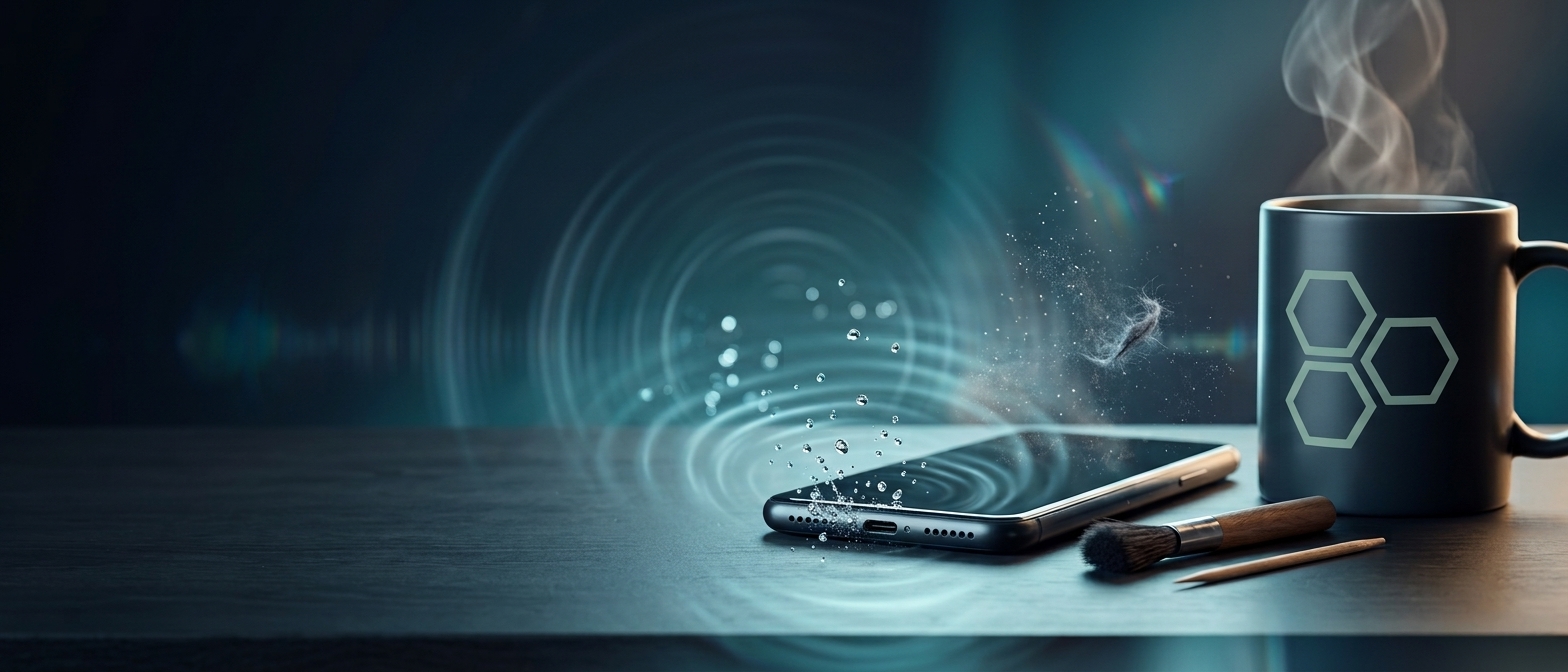
The principle is a physical one, without anything "magical." The app plays a low-frequency sound through the speaker, usually around 150–170 Hz, at maximum volume. The speaker diaphragm vibrates strongly and pushes the water droplets trapped in the grille outward.
The idea is not new. The Apple Watch has the integrated Water Lock feature: when you disable it, the watch emits a series of tones that eject water from the speaker. Phone apps essentially reproduce the same mechanism.
Most offer several modes:
- Fixed tone, usually around 165 Hz, recommended for water;
- Frequency sweep, which goes through several frequencies to find the right resonance;
- "Dust" mode, with alternating vibrations that should dislodge fine particles;
- Phone vibration activated in parallel, in some apps.
Water: this really works
For water remaining in the speaker grille, the apps are useful. Classic signs are muffled, distorted, or "buzzing" sound immediately after contact with water. If you play the tone a few times, for 30–60 seconds each, you usually notice small droplets coming out through the grille.
Recommended steps
- Remove the case and wipe the phone exterior with a microfiber cloth.
- Hold the phone with the speaker facing down, so gravity works in your favor.
- Play the tone at maximum volume and repeat 2–3 times.
- Let the phone air dry for a few hours.
Don't forget:
- The app removes water only from the speaker. It does not reach the charging port, microphones, or inside the case.
- If the phone warns that there is liquid in the port (iPhone and many Samsung models have this detection), do not charge it until the warning disappears.
- The IP67/IP68 certification is not a lifetime guarantee. Seals degrade over time, and the certification is tested with fresh water, not salt or chlorinated water.
Dust and lint: here the promises are exaggerated
This is where most disappointments occur. Lint from pockets compacts over time in the charging port and grilles, forming a dense layer. Sound vibrations cannot dislodge them:
- The app has no effect on the USB-C/Lightning port because there is nothing there that vibrates.
- In the case of the speaker, the sound can move very fine and loose particles, but not stuck lint or dirt glued with sebum.
- The call speaker grille at the top is too small and weak anyway to produce a visible effect.
Symptoms that the problem is physical, not one solved by an app:
- The charging cable no longer fully inserts or does not "click";
- Charging interrupts when you move the cable;
- The sound from the speaker remains weak even after the phone has completely dried.
Proper physical cleaning
For the charging port
- Turn off the phone.
- Use a wooden or plastic toothpick or a special antistatic stick. Do not use needles, paperclips, or metal tweezers, as they can scratch contacts or cause a short circuit.
- Remove lint with gentle movements, from the bottom outward, without pressing on the central contacts.
- Finish with a manual air blower with a bulb (the kind used for camera lenses).
For speaker and microphone grilles
- A soft, dry brush, for example a new toothbrush with soft bristles;
- "Putty" type cleaning paste for grilles, pressed gently and lifted;
- Low-adhesion tape (like painter's tape) for surface dust.
What to avoid:
- Compressed air from a can at close range. It can push dirt deeper and damage membranes, including the waterproof membrane.
- Hot hair dryer, which can affect adhesives and the battery.
- Rice. The myth persists, but Apple explicitly discourages it. Rice does not effectively absorb moisture inside and can leave starch and particles in ports.
- Directly poured alcohol. If needed, use isopropyl alcohol applied on a stick, not on the phone, and only with the device off.
How to choose an app
Apps in this category are almost identical in functionality, so it's worth choosing based on other criteria:
- Minimal permissions. A sound generator does not need access to contacts, location, or files. If it asks for them, move on.
- Reasonable ads. Many are full of full-screen ads or require expensive subscriptions for a trivial function.
- Non-install alternative. There are websites that play the same tone directly from the browser (search "fix my speakers") and require no permissions.
- Shortcuts on iPhone. With the Shortcuts app, you can create a "Water Eject" that plays a low-frequency tone without any third-party app.
When to go to service
- The phone stayed in water for a long time, especially saltwater, chlorinated, or sugary drinks;
- Spots or condensation appear under the screen or in the camera;
- The phone heats abnormally, restarts by itself, or no longer charges;
- The sound does not return after 24–48 hours of drying.
Internal oxidation progresses over time, so a quick intervention (opening, cleaning with isopropyl alcohol, drying) can save the motherboard.
Conclusion
"Cleaning" apps for phones are useful for one thing only: removing water from the speaker grille, based on a real physical principle. For dust and lint, especially from the charging port, they are practically useless, and only careful physical cleaning helps there. Treat them as quick first aid, not complete maintenance, and pay attention to the permissions they request.
Frequently Asked Questions
Can a 165 Hz tone damage the speaker?
Under normal use, no. Short sessions under one minute are safe. Avoid running the tone at maximum volume continuously for a long time.
Do they work for wireless headphones too?
Partially. Some apps can play the tone through headphones, but for water-resistant headphones, it is safer to follow the manufacturer's instructions.
Why is the sound still muffled after the app?
There is probably still moisture inside or the problem is dirt in the grille, not water. Let the phone dry and clean the grille with a soft brush.